How can I record and download programmes?
Record function
With Teleboy TV, you can record programmes scheduled for the future, currently live or broadcast in the last 7 days. Depending on your subscription, recordings remain available as follows:
- Teleboy Plus and Comfort: recordings are available for one year.
- Teleboy MAX and Teleboy TV: recordings are permanently available.
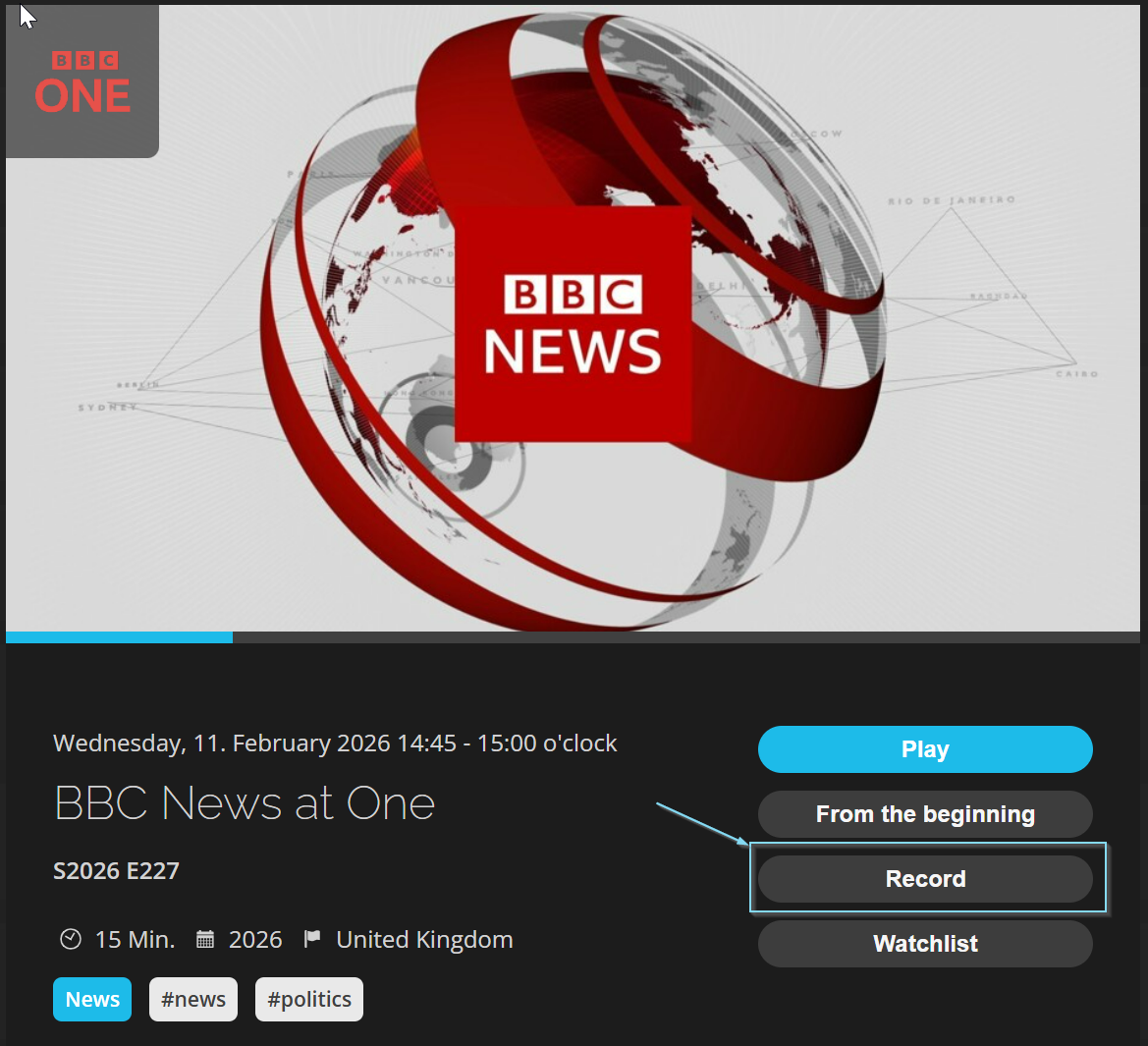 | 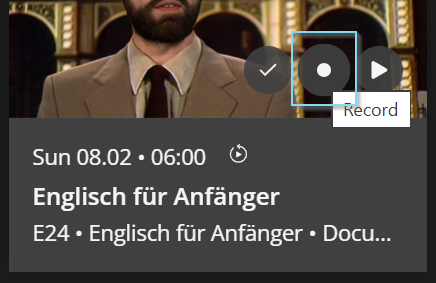 |
Download feature
You can download recorded programmes to store them locally and watch offline. Available on: Smartphones, Tablets and PC (web browser).
1Open recordings
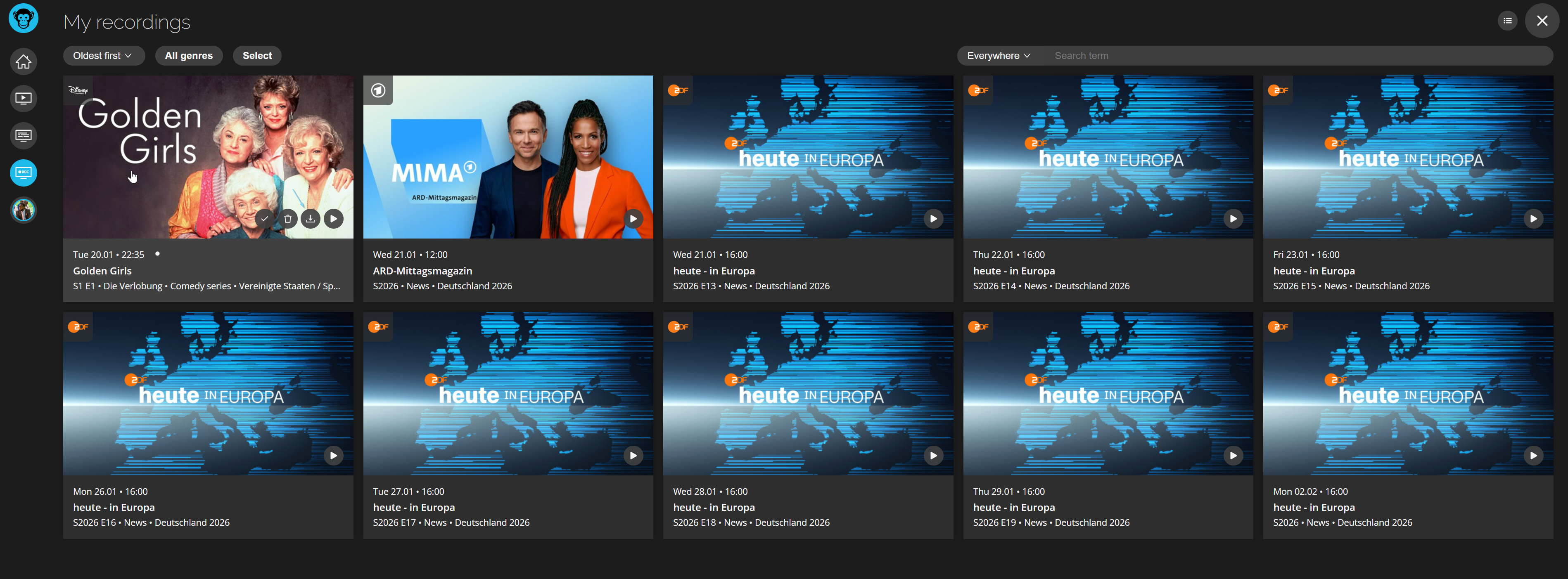
Go to your recordings at tv.teleboy.ch/pvr.
2Start download
Click on the download icon (downward arrow) next to the recording.
List view:

Tile view:
Download quality
Choose the desired quality: High, Medium or Low. On smartphones/tablets you'll be asked before downloading; in the web browser, the settings quality applies directly.
✓ Done!
Your recording is being downloaded and will be available offline.
Was this article helpful?
That’s Great!
Thank you for your feedback
Sorry! We couldn't be helpful
Thank you for your feedback
Feedback sent
We appreciate your effort and will try to fix the article